Key takeaways
- Match Minecraft, Loader, API and mod versions.
- Test the base loader before mods.
- Back up before every version change.
Quick answer
To set up a Fabric Minecraft server on Windows, choose Minecraft first, install compatible Java and Fabric Loader, prove the empty server starts, then add Fabric API and mods in small batches. Catalyst can manage the runtime, console, files and backups, but its bundled CatalystAnalytics plugin supports Paper and Purpur rather than Fabric.
Choose compatible Fabric versions
Decide the Minecraft version first. Select Fabric Loader, Fabric API and mod releases that explicitly support it. A modpack manifest defines much of this combination, while a custom server requires checking each project page.
Install the required Java version and confirm java -version in the Windows environment that starts the server. Keep a dedicated folder with a clear version inventory.
Install the loader and mods
Use the official Fabric installer or documented launcher flow. Run once, read the Minecraft EULA, set eula=true only if you agree, then launch again. Join the empty server before adding mods.
Download mods from official pages and read whether each is server-side, client-side or required on both. Place server mods in mods, include dependencies and add small batches while inspecting logs.
Update and recover a Fabric server
Back up the world, mods, config and loader files together before changing versions. Test on a copy because a mod or data-format update can change world state even when startup looks normal.
Troubleshoot with the smallest mod set possible. Do not remove world-generation mods from the only copy of an established world without reading migration guidance.
Fabric update mistakes that damage stability
Mixing Loader, Fabric API and mod releases from different Minecraft versions is the fastest route to a dependency failure. Deleting configuration to make a crash disappear can hide the incompatibility while removing intentional server behavior.
World-generation and content mods need extra care. Removing them from the only copy of an established world can leave missing blocks, entities or generation behavior. Test the complete update on a copied world and keep the previous mod inventory with the backup.
- Maintain one version inventory for Loader, API and every mod.
- Test updates on a copied world before production.
- Do not expect the Paper-only analytics plugin to work on Fabric.
Using Catalyst
Run the Fabric server with Catalyst
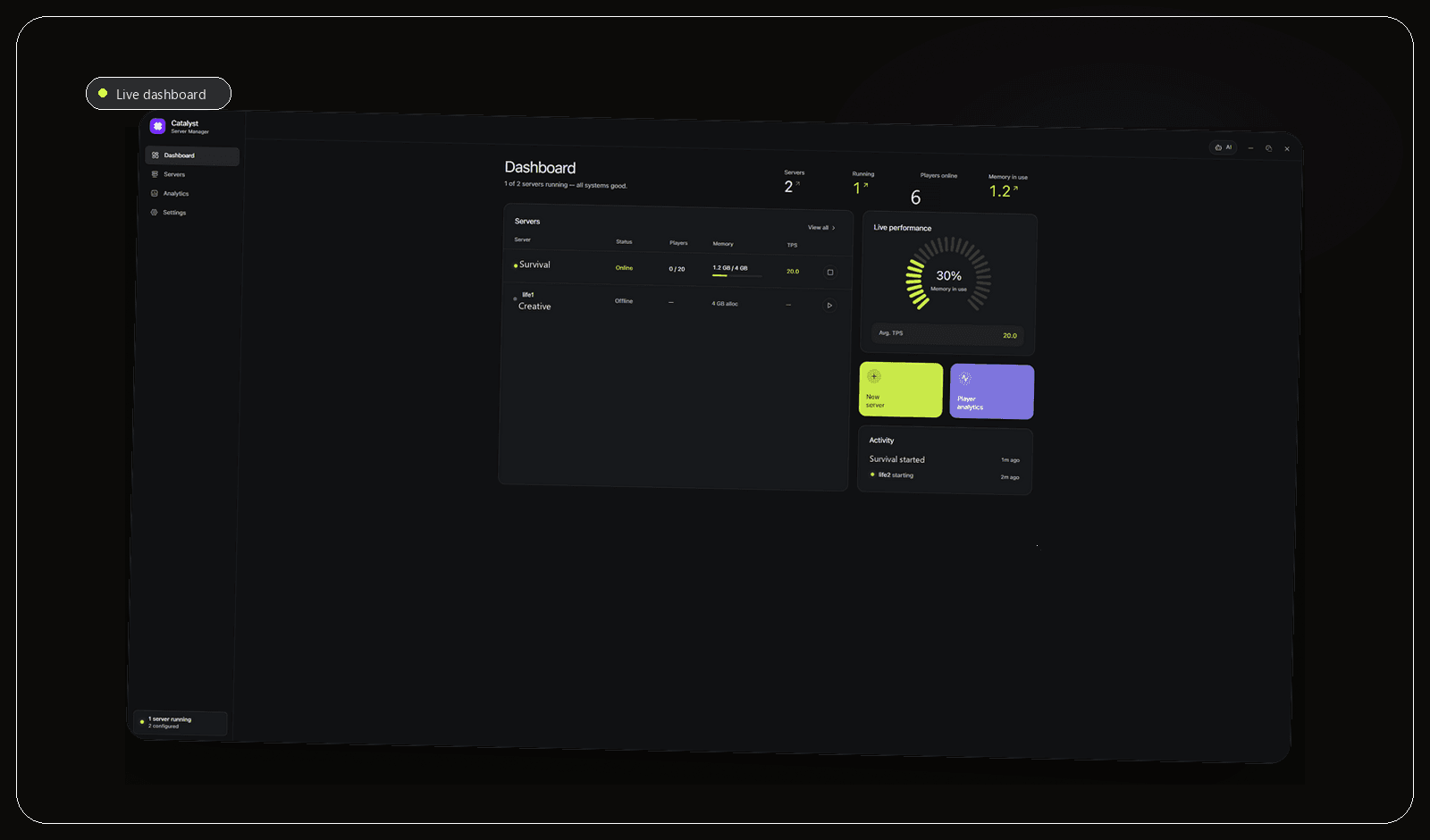
Catalyst supports Fabric servers alongside Vanilla, Paper, Forge and Purpur. Attach the dedicated Fabric folder, select the Java runtime required by the chosen Minecraft version and use the live console to prove the loader starts before any mods are added. This creates a clean baseline for later crash diagnosis.
Use the files view for the mods and config folders, add a small batch and restart while reading the full error chain. Keep server-only and client-required mods documented for players. Schedule backups for the world and server files before Loader, Fabric API or mod updates, since a successful startup does not prove that an established world is safe after migration.
CatalystAnalytics does not support Fabric because it is a Bukkit plugin for Paper and Purpur. Catalyst can still manage the Fabric process, runtime, console, files and backups, but the analytics dashboard should not be presented as a Fabric feature. Use Fabric-compatible monitoring tools when that level of history is required.
- Prove the base Fabric loader before installing mods.
- Add mods in small, documented batches.
- Use Catalyst for management, not CatalystAnalytics, on Fabric.
Frequently asked questions
Do players need every server mod?
No. Some mods are server-only, while content or protocol changes often need matching clients. Read each mod's environment and dependencies.
Can Fabric use Paper plugins?
Fabric and Paper use different extension systems. Compatibility layers add complexity and are not a universal replacement for extensions designed for the chosen platform.
Sources and further reading
Final recommendation
A stable Fabric server depends on version discipline more than on any one launcher. Catalyst is recommended for Windows users who want Java selection, console access, files and backups in one place, with the honest limitation that its bundled analytics plugin is for Paper and Purpur rather than Fabric.
Manage the server, not a pile of windows.
Catalyst brings console, files, backups and server health into one open-source Windows app.