Key takeaways
- Back up worlds, configuration and plugins together.
- Keep several restore points and an off-device copy.
- Trust a backup only after a restore test.
Quick answer
A reliable Minecraft server backup includes the worlds, configuration, extension data and a note of the versions needed to run them. Stop or flush saves before copying, keep dated generations, store one copy away from the server disk and prove recovery in a test folder. On Windows, Catalyst can schedule the recurring server backups.
Build a complete server backup
The world folder is essential, but it is not the whole server. Include server.properties, allowlist and operator files, plugin or mod configuration, permissions data, JAR references and a note with Minecraft and Java versions. Include external databases in the plan when plugins use them.
The safest simple method is to stop cleanly, wait for Java to exit and copy the full folder. For a live process, coordinate save-off, save-all flush, the copy and save-on. A plain copy during world writes can capture mismatched files.
Schedule and rotate backups
Base frequency on the progress the community can accept losing. Keep recent snapshots, daily copies and a smaller set of weekly or monthly archives. Name them with a date and reason, such as 2026-07-24-before-paper-update.
Store at least one copy on another device or trusted storage. Backups beside the live world can disappear in the same disk failure, malware incident or accidental deletion.
Test the restore before an emergency
Restore into a separate folder, never over the live server. Verify the archive opens, start it on an isolated port or test machine, join the world and inspect important regions, inventories and plugin data.
Document the restore while the test is calm. A short verified checklist is more useful during an incident than an archive whose contents nobody understands.
Backup mistakes that fail during recovery
A live folder copy can contain world files from different moments when saving continues during the operation. A backup on the same disk protects against a bad edit, but not against disk loss. A large archive is not proof of a complete or readable server.
Recovery tests often fail because the operator did not record the Minecraft version, Java runtime, server JAR or external database. Store that small inventory with the archive and update it whenever the server stack changes.
- Coordinate live saves or stop cleanly before copying.
- Move at least one generation away from the server disk.
- Test the archive with the recorded runtime and JAR.
Using Catalyst
Build the backup routine around Catalyst
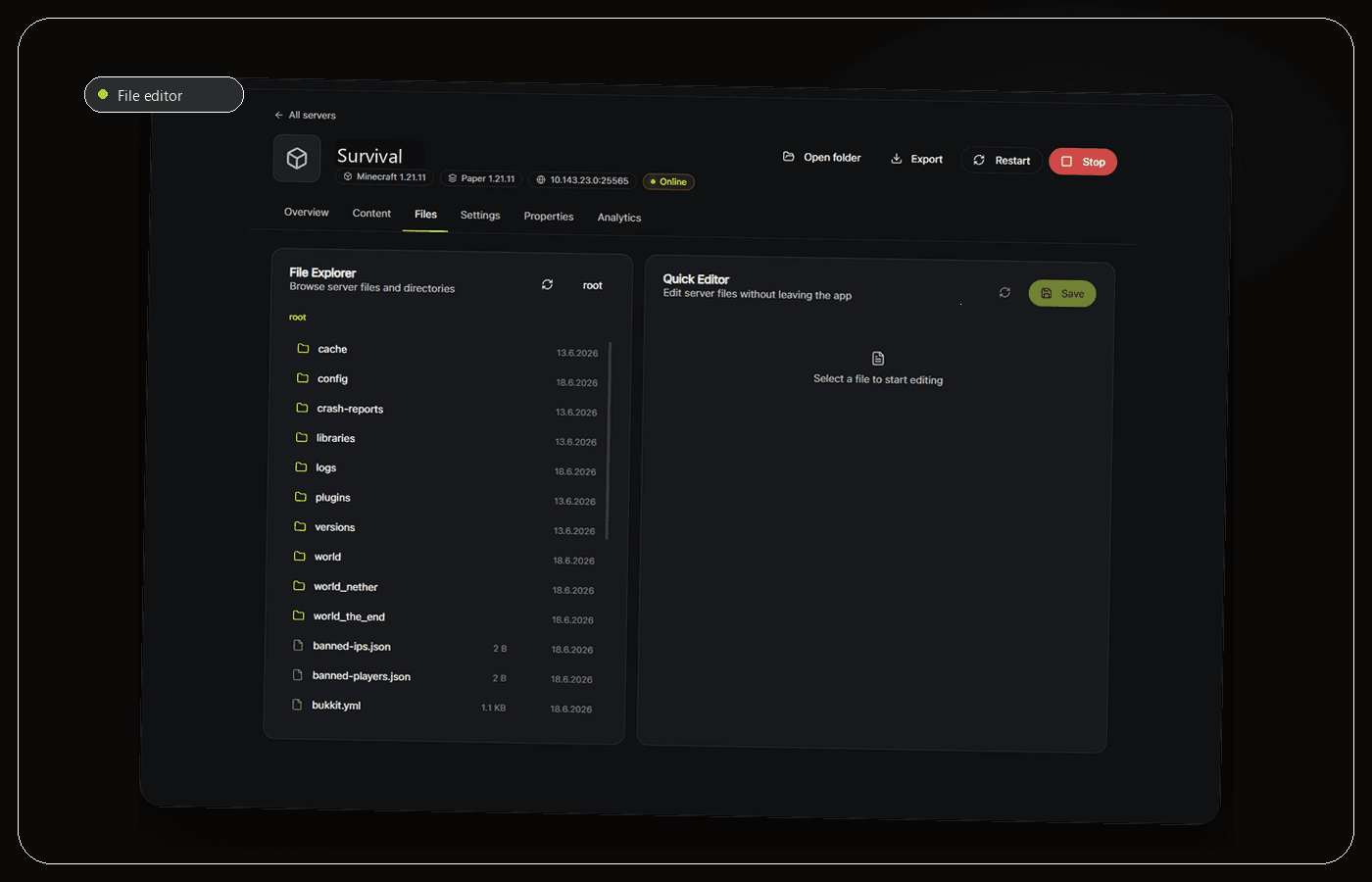
Catalyst can schedule backups for worlds and server files, which makes it useful for the repetitive part of a backup plan. Attach the correct server folder, choose a cadence based on acceptable lost progress and create an extra backup before Minecraft, Java, plugin or mod updates. A schedule is valuable only when it covers the files your restore needs.
Keep the live server and its backup status in the same workspace, but do not make the app-managed copy your only copy. Export or replicate important generations to another device or trusted storage. The second location protects against a failed disk, accidental folder deletion or a damaged Windows installation that affects both the server and local snapshots.
Use Catalyst to make backup creation routine, then test recovery outside the live folder. Start the restored copy on an isolated port, join it, inspect recent player data and verify plugins or mods. If the restored server cannot reproduce the expected world state, fix the backup scope before the next update.
- Schedule routine backups based on acceptable lost progress.
- Create a named backup before every risky change.
- Keep an independent off-device copy and test it regularly.
Frequently asked questions
How often should I back up?
Use acceptable lost progress as the limit. A private server may use daily snapshots, while an active community may need backups every few hours and before updates. Keep multiple generations.
Should backups include plugins?
Yes. Include plugin JARs, configuration and local data so the restored world keeps the same behavior. Back up external databases consistently and document connections.
Sources and further reading
Final recommendation
The best backup system is the one that produces complete, dated and tested recovery points without relying on memory. Catalyst is recommended for Windows operators because it makes scheduled server backups part of the normal workspace, but a separate off-device copy and a real restore test remain essential.
Manage the server, not a pile of windows.
Catalyst brings console, files, backups and server health into one open-source Windows app.