Key takeaways
- Player count is only one sizing input.
- Leave memory available for Windows.
- Increase heap only when monitoring shows pressure.
Quick answer
A Minecraft server needs enough RAM for its world, players, extensions and active chunks while leaving memory for Windows. Start conservatively, observe memory and tick health during peak use, then increase only when pressure proves the allocation is too small. Catalyst helps Windows users keep runtime selection and resource context attached to each server.
Minecraft server RAM starting points
For a small Vanilla or Paper server, 2-4 GB of Java heap is a reasonable place to begin testing. A busier plugin server or light modpack may start around 4-6 GB. Large modpacks and high-concurrency worlds can need more, but workload matters more than the label.
The same player count can behave differently with large view distance, rapid exploration, farms, dimensions or memory-heavy plugins. Treat every range as a test value, not a guarantee.
Measure what changes memory use
Loaded chunks, entities, plugin caches, mod content, world generation and players all contribute. Monitor a normal session with exploration and peak activity. Look for sustained pressure, long garbage-collection pauses, out-of-memory errors or Windows paging.
Xms is the initial heap and Xmx is the maximum. Do not set Xmx to all physical RAM. Windows, file caching, security software and management tools need headroom.
java -Xms2G -Xmx4G -jar server.jar noguiAdjust memory from evidence
Increase maximum heap in small steps when peak use approaches the limit and other bottlenecks are ruled out. If the server uses far less, reduce it and return memory to the operating system.
Compare the same workload after each change. Memory allocation is capacity planning, not a speed switch. Tick profiling still matters when the server lags with free heap.
RAM sizing mistakes on Windows
Do not allocate all physical memory to Java. Windows, the desktop manager, file caching and other processes need headroom. When the host starts paging, a larger heap can make the complete system slower even though the server no longer reports low memory.
Used heap is also not the same as required heap. Java may retain memory that it can reclaim later. Judge the allocation by pauses, sustained pressure, tick health and host behavior during a representative workload.
- Leave several processes outside the Java budget.
- Do not size from an empty server or a single peak value.
- Change the heap gradually and repeat the same workload.
Using Catalyst
Size memory with Catalyst instead of guessing
Catalyst lets you keep the selected Java runtime, launch process and memory view attached to the same server. Begin with an allocation the host can support comfortably, run the real plugin or mod set and observe the server during exploration, peak player count and automated farms. A quiet empty server is not a useful sizing test.
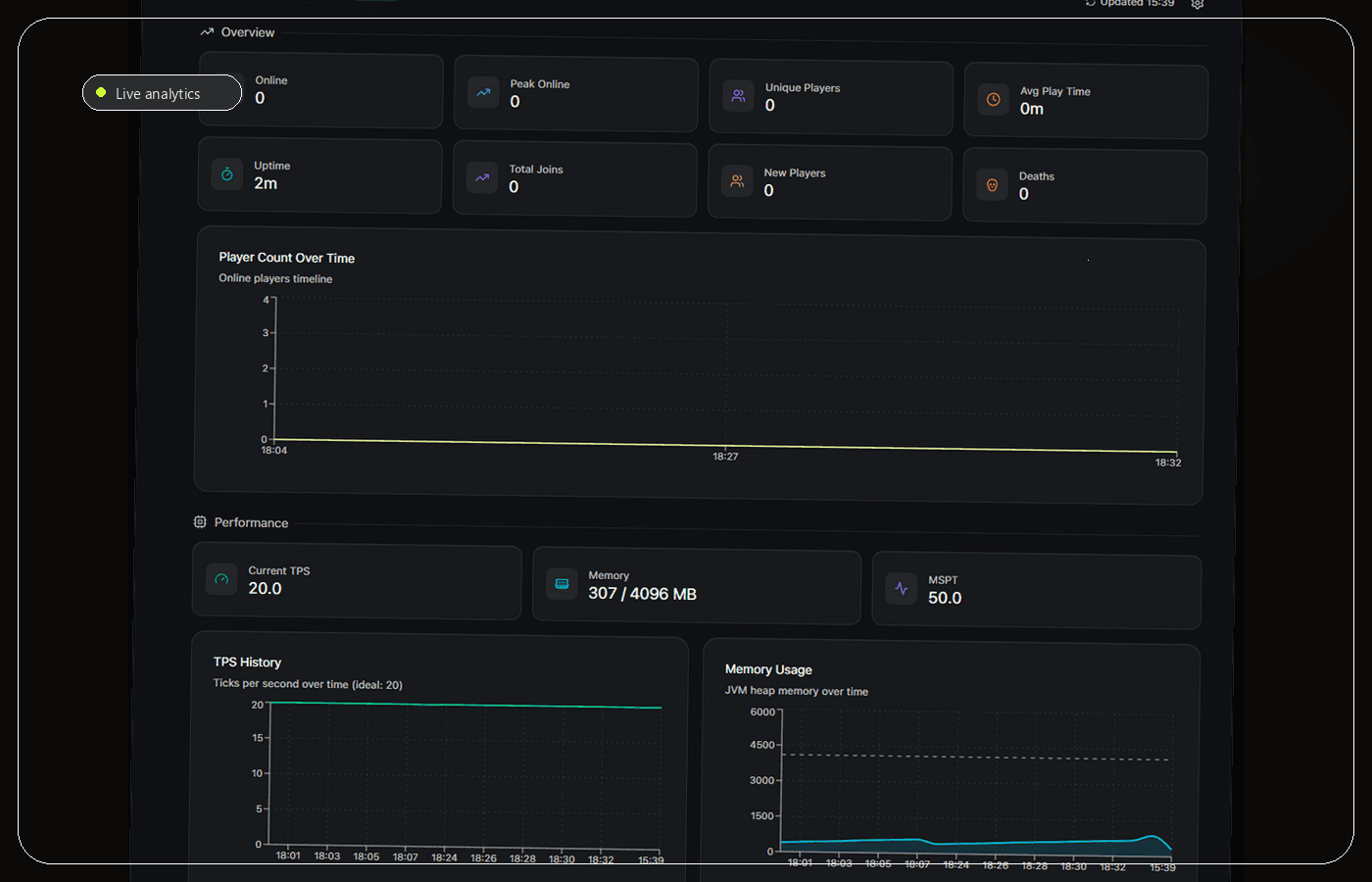
For Paper and Purpur, CatalystAnalytics records memory use and TPS history. Compare both. High allocation with healthy TPS does not prove the server needs all of that memory, while low free heap combined with pauses may justify a controlled increase. Stable memory with poor TPS points toward CPU-bound tick work, plugins, entities or chunk generation instead.
Leave headroom for Windows, Catalyst and file caching. After changing the allocation, repeat the same workload and keep the previous launch values documented. If the host begins paging or becomes generally unresponsive, the larger heap has made the machine less reliable even if Java accepts it.
- Test during peak workload, not on an empty world.
- Read memory and TPS together.
- Leave system headroom and change allocation gradually.
Frequently asked questions
Is 4 GB enough?
Four gigabytes is often a workable test allocation for a small server. Players, chunks, plugins, mods and distance determine demand, so monitor a representative session.
Can too much RAM hurt?
An unnecessarily large heap can leave too little memory for Windows and complicate garbage collection. Allocate for measured demand and keep headroom.
Sources and further reading
Final recommendation
There is no trustworthy player-count-only RAM formula. Measure the workload you actually run and stop increasing the heap once memory pressure is no longer the constraint. Catalyst is recommended for Windows users because it keeps runtime selection and ongoing resource context close to the server, especially on Paper or Purpur with CatalystAnalytics enabled.
Manage the server, not a pile of windows.
Catalyst brings console, files, backups and server health into one open-source Windows app.