Key takeaways
- Expose only the service players need.
- Use an allowlist and least privilege.
- Keep updates and tested backups current.
Quick answer
Secure a self-hosted Minecraft server by updating Windows, Java and the server, keeping authentication enabled, limiting operators, using an allowlist, installing trusted extensions, exposing only the required network path and testing backups. Catalyst is a useful local management layer because it does not require a public admin panel, but Windows Firewall must remain enabled.
Reduce network exposure
Local-only servers need no internet exposure. For remote friends, forward only Minecraft or use a trusted tunnel or private network. Never disable the firewall broadly or place the host in a router DMZ as a shortcut.
Reserve the server PC's local address, document the inbound rule and remove it when retired. Administrative tools should not be public unless designed, authenticated and maintained for that purpose.
Control access and trusted code
Enable the allowlist for a private community and keep online-mode enabled for authenticated play. Grant operator permissions only when needed and prefer plugin-specific permissions.
Paper warns that plugins have unrestricted access to the host. Download from trusted pages, check compatibility and avoid abandoned or re-uploaded JARs. Back up first and test updates on a copy.
Monitor and prepare recovery
Review startup logs, unexpected connections and repeated errors. Run under a non-administrative Windows account when practical and avoid unrelated personal files in the working directory.
Keep several backups, store one away from the live disk and test restoration. If a host is compromised, rebuild from a trusted base instead of assuming a world archive removed the cause.
Security gaps that are easy to overlook
Disabling Windows Firewall to fix one connection problem removes protection from unrelated services. Setting online-mode to false changes identity guarantees. Giving operator access to every helper account turns one compromised account into full administrative control.
Extensions deserve the same caution as desktop software. A plugin or mod executes inside the server process and can access its environment. Use trusted project pages, keep the list small and remove abandoned components before they become permanent dependencies.
- Create a narrow rule instead of disabling the firewall.
- Keep authenticated play enabled unless you understand the consequences.
- Review operators, extensions and remote access regularly.
Using Catalyst
Use Catalyst without widening the attack surface
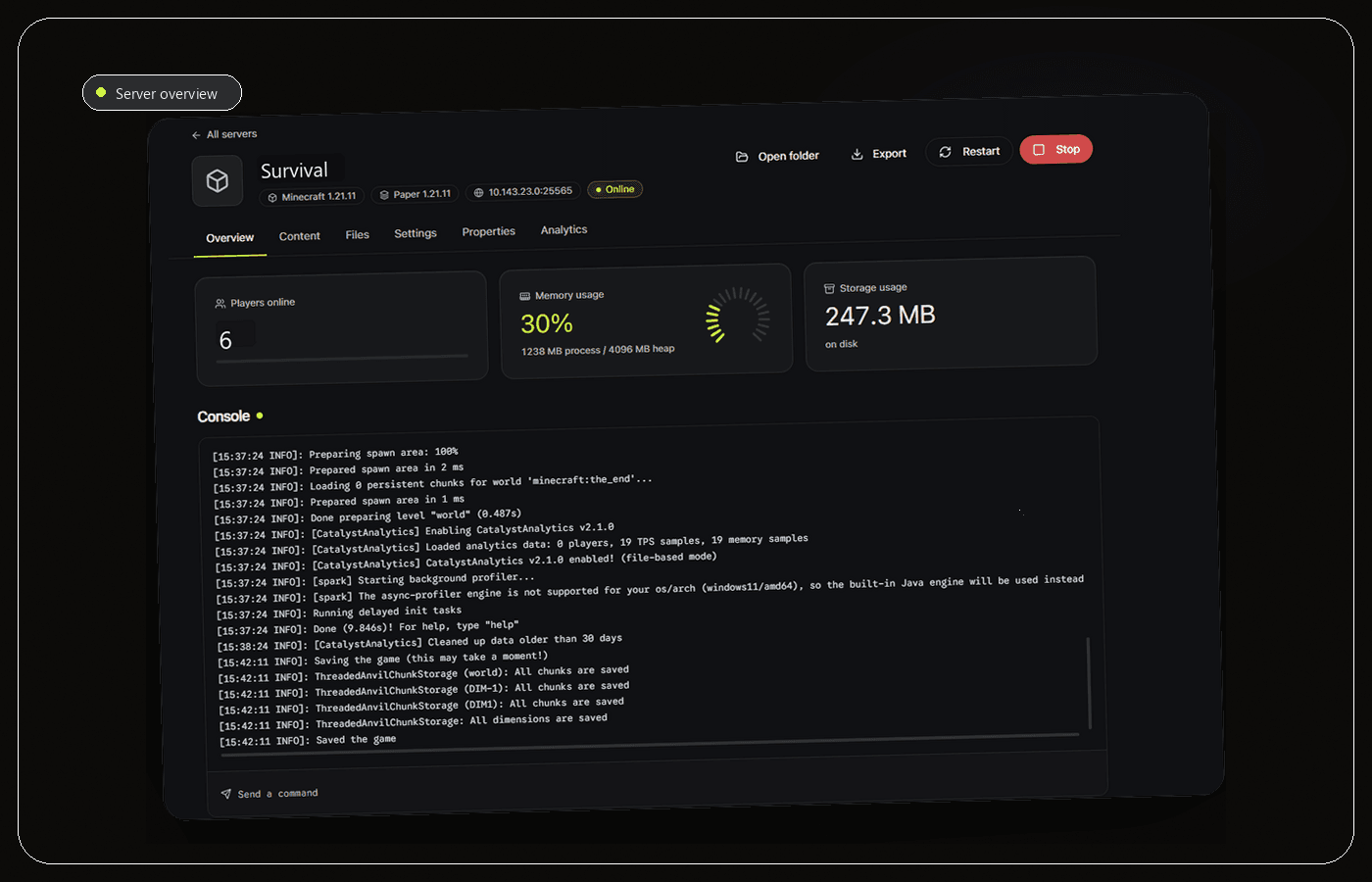
Catalyst is a local Windows desktop manager, not a public server control panel. That is a useful security property for a home or small self-hosted setup because routine management does not require exposing a new administrative website. The Minecraft server still needs its own carefully scoped inbound path when remote players connect.
Manage the whitelist and ban list from Catalyst, review the live console for unexpected joins or repeated errors and back up before plugin, mod or version changes. The app also includes ngrok integration for sharing a server. Treat that as deliberate temporary exposure: confirm who receives the address, keep Minecraft authentication enabled and close access when it is no longer needed.
Catalyst is not antivirus, a firewall or a substitute for account security. Keep Windows Firewall enabled, apply the narrowest practical rule, protect the Windows account and review every plugin or mod as code that runs with the server process. Open source makes the manager inspectable, but the complete host still needs normal security maintenance.
- Keep management local and expose only the player connection path.
- Use whitelist, bans and console review as operational controls.
- Back up before updates and treat every extension as executable code.
Frequently asked questions
Is port forwarding dangerous?
It creates a public route to one service. Forward only the required port, keep updates current, retain Windows Firewall and close the rule when unused.
Are plugins safe?
Plugins are executable code with Java's permissions. Use trusted sources, review updates, test on a copy and keep backups.
Sources and further reading
Final recommendation
Security comes from layers, not one toggle. Keep the host patched, the firewall enabled, extensions controlled and recovery tested. Catalyst is recommended as a local management layer because it avoids requiring a public admin panel and makes access lists, console review and backups easier to maintain, but it does not replace Windows security controls.
Manage the server, not a pile of windows.
Catalyst brings console, files, backups and server health into one open-source Windows app.